

Key Takeaways
Why Most People Are Wrong About Their Own Time
Ask someone how they spend a typical Tuesday and they'll give you a confident answer. Ask them to verify it against a written log and the gap is almost always striking. Research in time-use psychology consistently shows that people overestimate time spent on productive tasks and underestimate recreational or passive activities — sometimes by hours per day. A time audit closes that gap by replacing memory with evidence.
This isn't about squeezing every minute or building a hyper-optimised schedule. It's about seeing your day clearly enough to make intentional choices. If you've ever felt perpetually busy but unsure where the day went, this process is the diagnostic tool that makes everything else — time blocking, boundary-setting, habit change — actually work. If you're newer to thinking about time deliberately, the foundations of personal time management are worth reviewing first.
What you will need
What You'll Need
The tools for a time audit are intentionally simple. Complexity is the enemy of consistency, and you'll need to log your time repeatedly over several days.
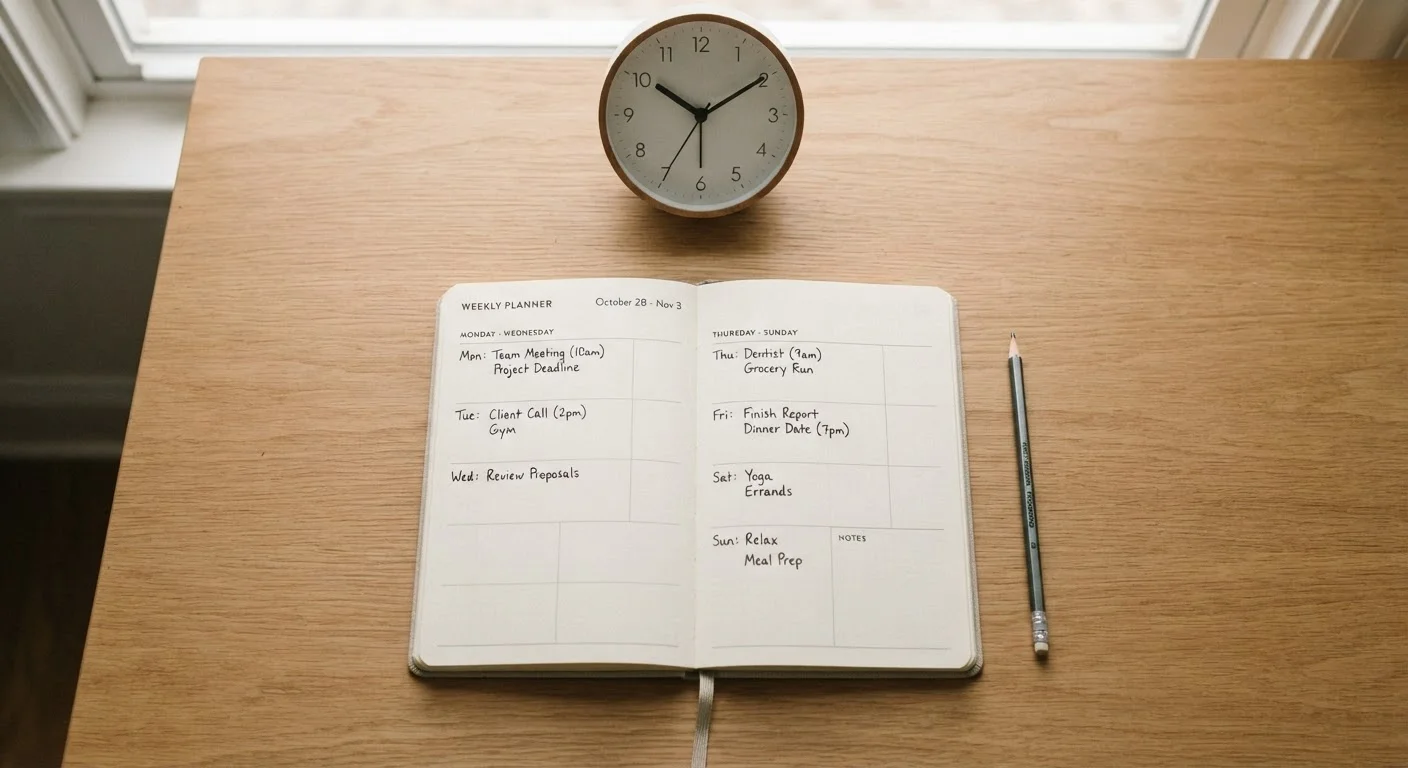
Paper notebook or day planner
Record time blocks by hand throughout the day — reliable and requires no battery or login.
Spreadsheet (e.g. a basic grid with time slots)
Enables easy tallying and category totals at the end of the audit week.
Basic time-tracking app
Allows quick mobile logging and automatic duration calculation — useful if you're frequently away from a desk.
A set of 4–6 category labels
Pre-defined buckets (e.g. focused work, admin, care tasks, rest, movement, drift) make sorting entries fast and consistent.
How to Conduct Your Time Audit
Follow these steps in order. Resist the urge to start changing habits mid-audit — that defeats the purpose. The goal during the logging phase is honest observation, not performance.
Choose your logging format and commit to it
Pick one method — paper, spreadsheet, or app — and use only that for the full audit period. Switching mid-week creates gaps and inconsistency. Set up your format before the first day begins so that logging is frictionless from the start.
Log every activity in real time
Record what you're doing as you do it — not at the end of the day from memory. Note the start time, the activity, and when it ends. You don't need to track every minute; 15-minute increments work well for most people. Be specific: "scrolled phone" is more useful than "break."
Run the audit for five to seven full days
One or two days won't capture the variation between a heavy workday, a quiet Sunday, and a mid-week errand day. Aim for a full week — including at least one weekend day — to get a representative picture. Resist editing your behaviour during this phase; you're observing, not optimising.
Categorise every entry
At the end of each day, assign each logged block to one of your pre-defined categories. Keep the list short — four to six buckets is enough. Common categories include: focused work, meetings or calls, admin and logistics, care tasks (cooking, childcare, errands), rest and recovery, movement, and drift (low-intention, passive time). Every entry goes somewhere — don't leave ambiguous blocks uncategorised.
Total your hours by category
Once the audit week is complete, add up the total hours in each category across all seven days. Then calculate a daily average for each. This single table — category against daily average hours — is the core output of your audit. It's the clearest picture you've ever had of where your time actually goes.
Identify your three key insights
Before acting on anything, write down three specific observations: one thing that surprised you, one thing that validated your sense of how you spend your time, and one category you'd like to intentionally shift — either increasing or decreasing it. These three statements become your starting point for any schedule changes that follow.
Audit First, Optimise Second
It's tempting to start rearranging your schedule as soon as patterns emerge mid-week. Hold off. Changing behaviour during the observation period biases your data and hides the habits you most need to see. Complete the full logging phase first, then make decisions from a complete picture.
What to Do With What You Find
Once you've completed your analysis, you'll likely land in one of three places: surprised by how much time drifts to low-value activities, validated that your days are roughly aligned with your priorities, or somewhere in between. All three are useful starting points.
Look for drift time — blocks that aren't intentional rest or meaningful work. Social media scrolling, indecisive task-switching, and re-reading the same emails are common culprits. Even recovering 30 minutes of daily drift can free up meaningful space for health, relationships, or focused work.
Also look at whether your hours reflect your stated priorities. If you say health matters but can't find 30 minutes of movement in any logged day, that tension is worth sitting with — without self-judgment. For a complementary lens on movement specifically, see your daily movement audit.
From here, the natural next step is evaluating your broader daily structure. The daily routine audit helps you assess whether your morning, midday, and evening habits are supporting or draining you. And for choosing how to track ongoing habits after the audit, comparing paper journals, apps, and simple tallies can point you toward the right tool.
A time audit is a moment of clarity, not a verdict. Use it as the foundation for setting clearer boundaries and building a schedule that actually reflects the life you want.
This article is for informational purposes only. It is not a substitute for professional guidance on mental health, burnout, or medical conditions affecting energy and focus. If you are experiencing persistent overwhelm or exhaustion, please consult a qualified healthcare professional.